Using dask Python library to read a huge global earthquake catalog file
Loading likes…
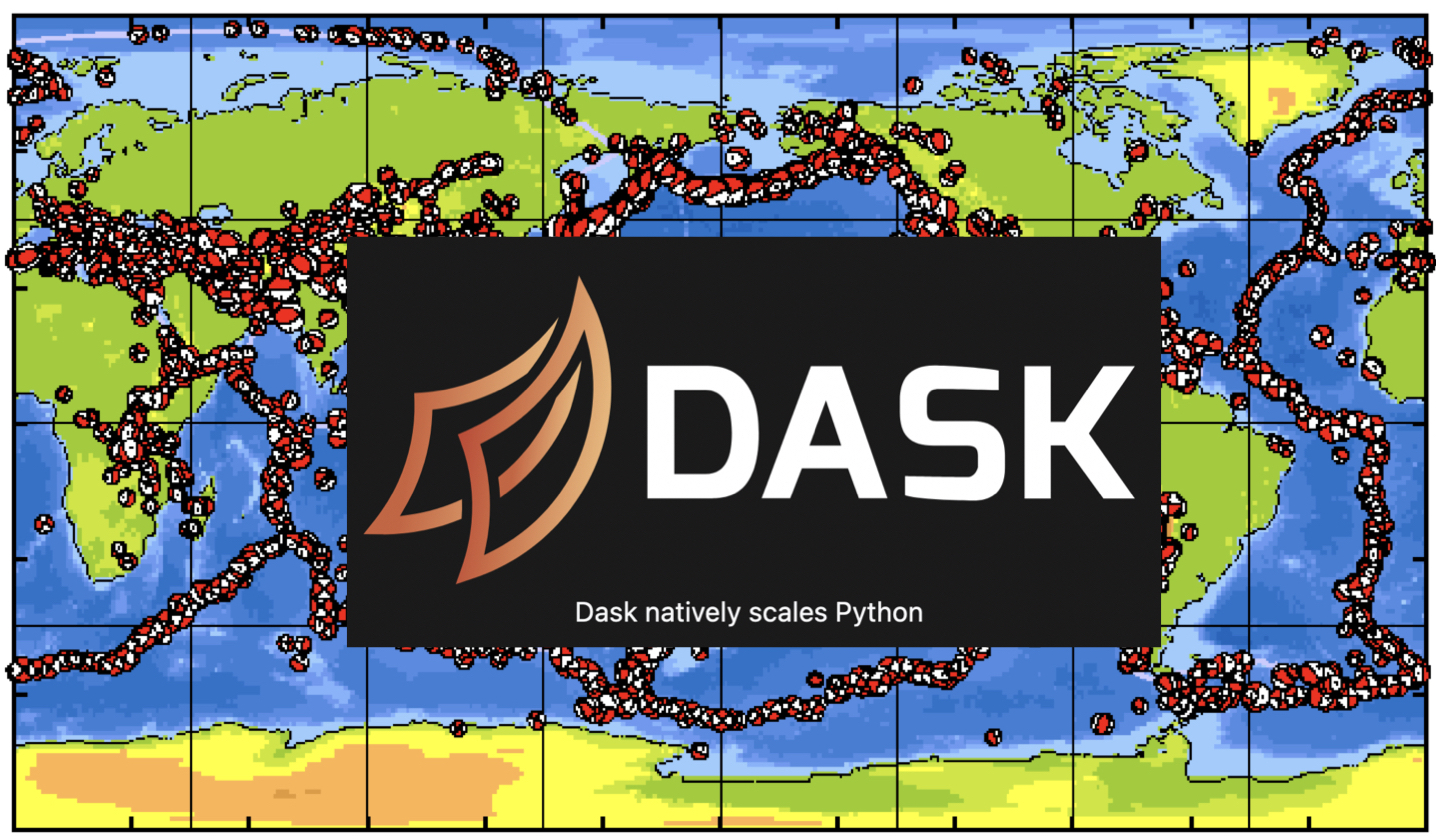
If you want to read a large data file in python, it usually takes several minutes. If the data file is considerably huge, then you may not even be able to read it if your computer has less memory. We have covered before how we can use Python and Pandas specifically to read a large data file in Python. Pandas can read a structured data fast by reading in chunks. Now, we will see another library, Dask, that reads the data in a Pandas like dataframe but it can do it much faster, and for even bigger dataset.
Key idea — Dask is lazy. When you call dd.read_csv(...) or slice a Dask dataframe, no data is read and no computation happens. Dask only records what you asked for as a task graph over data partitions. The work runs — and results land in memory — only when you finally call .compute(). That’s what lets Dask process files bigger than your RAM: it streams through partitions on demand instead of loading everything at once.
What is Dask?
Dask is an open-source Python library that help you work on large datasets and dramatically increases the speed of your computations. Using Dask, you can read the datafiles bigger than your RAM size. Unlike other data analysis libraries like pandas, Dask do not load the data into memory. Instead, Dask scan the data, infer data types, split the data into partitions and build computational graphs for these partitions independently. These computations are executed only when needed.
The biggest selling point of Dask it that it is compatible with the popular Python libraries such as Numpy, Pandas, Scikit-learn etc. Using Dask, you can run your script on your local machine and the multi-node cluster alike.
Dask uses the existing Python API for threading and multiprocessing (concurrent.futures[see this post for details]) to process the data and execute computations in parallel.
How to use Dask?
If you have used Pandas before then it will be very easy for you to quickly switch to the Dask syntax. Dask uses three collections - Dataframes, bags and arrays to store and process the data. They can effortlessly partition data between your RAM and the hard disk as well multiple nodes in a cluster.
Dask dataframes (dask.dataframe) consists of smaller splits of Pandas dataframe, and hence is very efficient to inspect the data or query row information. A dask bag (dask.bag), similar to Python “list”, is able to store and process different types of Pythonic objects that are unable to fit into the memory. The dask arrays (dask.array) is similar to the “Numpy arrays” and allow slicing.
.compute() is what actually runs it and returns a result.Read Global CMT catalog from GCMT using Dask
You can download the CMT catalog from globalcmt.org in the ASCII “ndk” format. I have downloaded the data from 1976-2020. The total file size is 23 MB.
I will first use Obspy to read the catalog and format the information and write it into a CSV file. Then I can read the csv file quickly using the Dask as dataframe and retrieve any information I want instantly.
import sys
import subprocess
import numpy as np
import os
import glob
from obspy import read_events, UTCDateTime
import dask.dataframe as dd

# Path to CMT catalog (ndk file)
path_to_CMT_cat = 'https://www.ldeo.columbia.edu/~gcmt/projects/CMT/catalog/jan76_dec20.ndk'
outcsv = 'gcmt_sol.csv' #output csv file

if not os.path.exists(outcsv):
    CMT_cat = read_events( path_to_CMT_cat ) #read the ndk file using obspy

    ## extract information
    cmt_codes = np.asarray([ ev.get('resource_id').id.split('/')[2] for ev in CMT_cat ])
    cmt_dates = np.asarray([ ev.origins[0].time for ev in CMT_cat ])
    CMT_events_lat = np.asarray([ev.preferred_origin().latitude for ev in CMT_cat])
    CMT_events_lon = np.asarray([ev.preferred_origin().longitude for ev in CMT_cat])
    CMT_events_depth = np.asarray([ev.preferred_origin().depth/1000. for ev in CMT_cat])
    CMT_events_mag = np.asarray([ev.preferred_magnitude().mag for ev in CMT_cat])

    ## Write information into csv file
    with open(outcsv,'w') as gcmtsol:
        gcmtsol.write("evt,year,month,day,hour,minute,second,evlat,evlon,evdep,evmag,time_shift,half_duration,m_rr,m_tt,m_pp,m_rt,m_rp,m_tp\n")
        for evt2 in cmt_codes:
            idx = np.where( cmt_codes == evt2 )[0]
            origin_time = UTCDateTime( int( cmt_dates[idx][0].year ),
                                    int( cmt_dates[idx][0].month ),
                                    int( cmt_dates[idx][0].day ),
                                    int( cmt_dates[idx][0].hour ),
                                    int( cmt_dates[idx][0].minute ), 00 )
            #Get focal mech info
            m_rr = (CMT_cat[idx[0]].preferred_focal_mechanism().moment_tensor.tensor.m_rr)*1e7 #From Nm to dyn cm
            m_tt = (CMT_cat[idx[0]].preferred_focal_mechanism().moment_tensor.tensor.m_tt)*1e7 #From Nm to dyn cm
            m_pp = (CMT_cat[idx[0]].preferred_focal_mechanism().moment_tensor.tensor.m_pp)*1e7 #From Nm to dyn cm
            m_rt = (CMT_cat[idx[0]].preferred_focal_mechanism().moment_tensor.tensor.m_rt)*1e7 #From Nm to dyn cm
            m_rp = (CMT_cat[idx[0]].preferred_focal_mechanism().moment_tensor.tensor.m_rp)*1e7 #From Nm to dyn cm
            m_tp = (CMT_cat[idx[0]].preferred_focal_mechanism().moment_tensor.tensor.m_tp)*1e7 #From Nm to dyn cm

            #Get source location info
            assert CMT_cat[idx[0]].origins[1].origin_type=='centroid'
            evlon = CMT_cat[idx[0]].origins[1].longitude
            evlat = CMT_cat[idx[0]].origins[1].latitude
            evdep = (CMT_cat[idx[0]].origins[1].depth/1000)
            evmag = (CMT_cat[idx[0]].magnitudes[0].mag)
            time_shift=0
            half_duration = (CMT_cat[idx[0]].focal_mechanisms[0].moment_tensor.source_time_function.duration)/2
            gcmtsol.write(f"{evt2},{cmt_dates[idx][0].year},{cmt_dates[idx][0].month},{cmt_dates[idx][0].day},{cmt_dates[idx][0].hour},{cmt_dates[idx][0].minute},{cmt_dates[idx][0].second},{evlat},{evlon},{evdep},{evmag},{time_shift},{half_duration},{m_rr},{m_tt},{m_pp},{m_rt},{m_rp},{m_tp}\n")

## Read csv file using dask
df = dd.read_csv(outcsv)
df = df.set_index('evt') #set index to easily find events
Now, we can inspect first five lines of the dataframe using head method.
print(df.head())
          year  month  day  hour  minute  ...          m_tt          m_pp          m_rt          m_rp          m_tp
evt                                       ...
B010100A  2000      1    1     5      24  ... -1.952000e+23 -5.440000e+22 -1.540000e+22  4.160000e+22 -5.825000e+23
B010100C  2000      1    1    19      30  ... -2.837000e+23  2.661000e+23 -7.667000e+23  8.560000e+22  5.310000e+22
B010101A  2001      1    1     3      48  ...  5.890000e+22  1.490000e+23 -4.465000e+23 -2.018000e+23 -9.112000e+23
B010101D  2001      1    1     8      54  ...  2.560000e+25 -1.260000e+26  1.095000e+26 -9.630000e+25 -2.680000e+25
B010102A  2002      1    1    10      39  ...  5.036000e+24 -4.235000e+24  3.750000e+24  9.080000e+23  7.577000e+24

[5 rows x 18 columns]
Why head() returns instantly but .loc[...] needs .compute(). head() only ever touches the first partition, so Dask can hand it back cheaply. A .loc lookup, on the other hand, may live in any partition — Dask has to actually execute the graph to find it, which is exactly what .compute() triggers below. (This is also why we set_index('evt') first: an indexed column makes those lookups far cheaper.)
If we want to find the some information about a event say “C201706111629A”, we can inspect easily:
eventinfo = df.loc['C201706111629A',:].compute()
print(eventinfo)
                year  month  day  hour  minute  ...          m_tt          m_pp          m_rt          m_rp          m_tp
evt                                             ...
C201706111629A  2017      6   11    16      29  ... -1.610000e+23  1.450000e+23  1.180000e+23 -1.580000e+22  3.190000e+23
This inspects the row for the event C201706111629A. We have to apply the compute method to actually retrieve the information as Dask stores the information as maps only.
Now, when we have the row information for the event, we can output any column such as “year”:
print(eventinfo['year'].values[0])
2017
Quick check: In this workflow, when is the CSV actually scanned to find event C201706111629A?
Recap
- Dask ≈ lazy, partitioned pandas. It splits a big file into pandas-sized chunks and builds a task graph instead of loading everything into RAM.
- Nothing runs until
.compute().read_csv,set_index, and slicing all just extend the graph;.compute()executes it and returns a concrete result. head()is the cheap exception — it peeks at the first partition without a full compute.- Same syntax, bigger data. If you know pandas, you already know most of Dask; the payoff is handling catalogs larger than memory and scaling out to a cluster unchanged.
Where to go next
- Dask DataFrame docs: docs.dask.org/en/stable/dataframe.html
- Best practices for Dask DataFrames: docs.dask.org/en/stable/dataframe-best-practices.html
- The pandas-chunking approach (previous post): Analyzing a huge data file with pandas
- Global CMT catalog downloads: globalcmt.org/CMTfiles.html
Found this article useful?
Loading likes…
Disclaimer of liability
The information provided by the Earth Inversion is made available for educational purposes only.
Whilst we endeavor to keep the information up-to-date and correct. Earth Inversion makes no representations or warranties of any kind, express or implied about the completeness, accuracy, reliability, suitability or availability with respect to the website or the information, products, services or related graphics content on the website for any purpose.
UNDER NO CIRCUMSTANCE SHALL WE HAVE ANY LIABILITY TO YOU FOR ANY LOSS OR DAMAGE OF ANY KIND INCURRED AS A RESULT OF THE USE OF THE SITE OR RELIANCE ON ANY INFORMATION PROVIDED ON THE SITE. ANY RELIANCE YOU PLACED ON SUCH MATERIAL IS THEREFORE STRICTLY AT YOUR OWN RISK.
Leave a comment