Automatically Plotting Record Section for an Earthquake in the Given Time Range in Python (codes included)
Loading likes…
Introduction
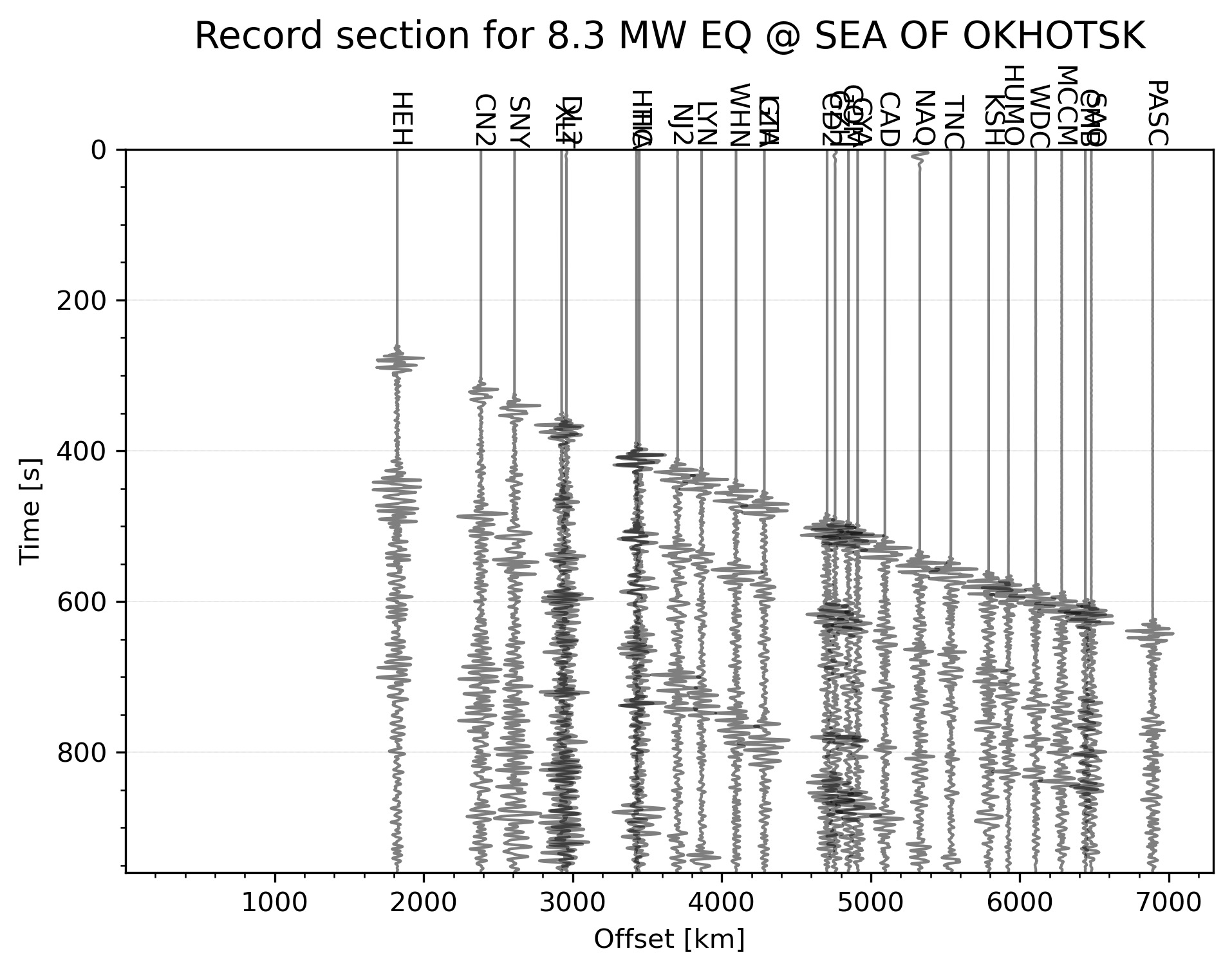
A seismic record section displays numerous seismic records in a single figure and can be quite useful in the geological interpretation. The ray paths of the seismic waves are curved due to increasing velocity with depth. Hence, the longer the distance to the station from the event, the deeper the ray goes.
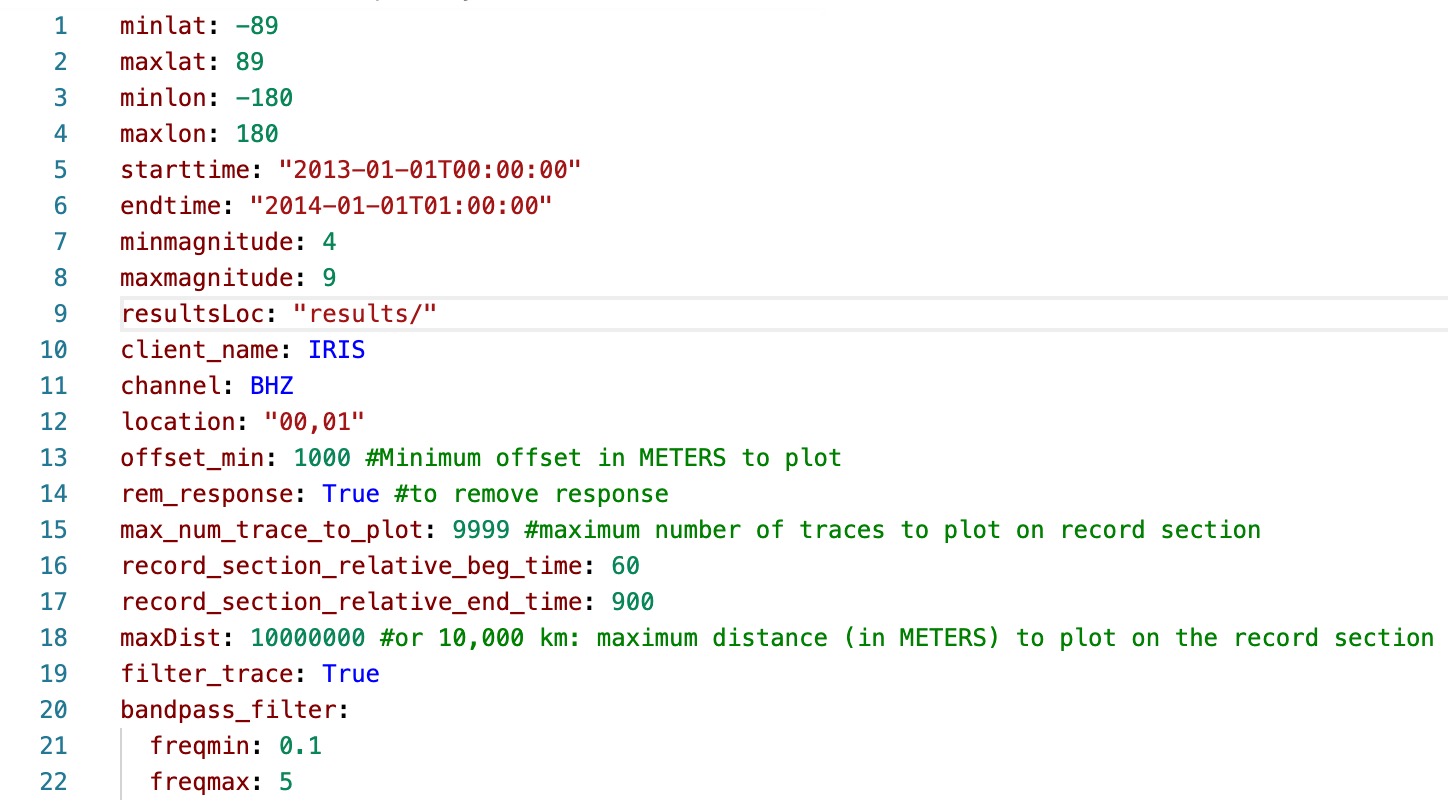
Key idea — let the script do the picking. A record section stacks many seismograms by epicentral distance so the P and S moveout curves stand out. Building one by hand means choosing an event, listing stations, downloading waveforms, and aligning them. This tool automates that: you fill in one YAML config (input_file.yml) with a time range, a geographic region, and a network; the script finds the largest-magnitude earthquake in that window, pulls the waveforms over FDSN with ObsPy, and renders the record section for you.
Download the complete script:

- Code to automatically plot the record section of largest earthquake event within the given time range and geographical selection.
- Define the input parameters in
input_file.yml
- Run the python script
plot_record_section.py
Run Script
-
Install environment for the required packages using either one of the following commands (
spec-file.txtandenvironment.ymlcan be downloaded from the github link):conda install --name myenv --file spec-file.txtconda env create -f environment.yml -
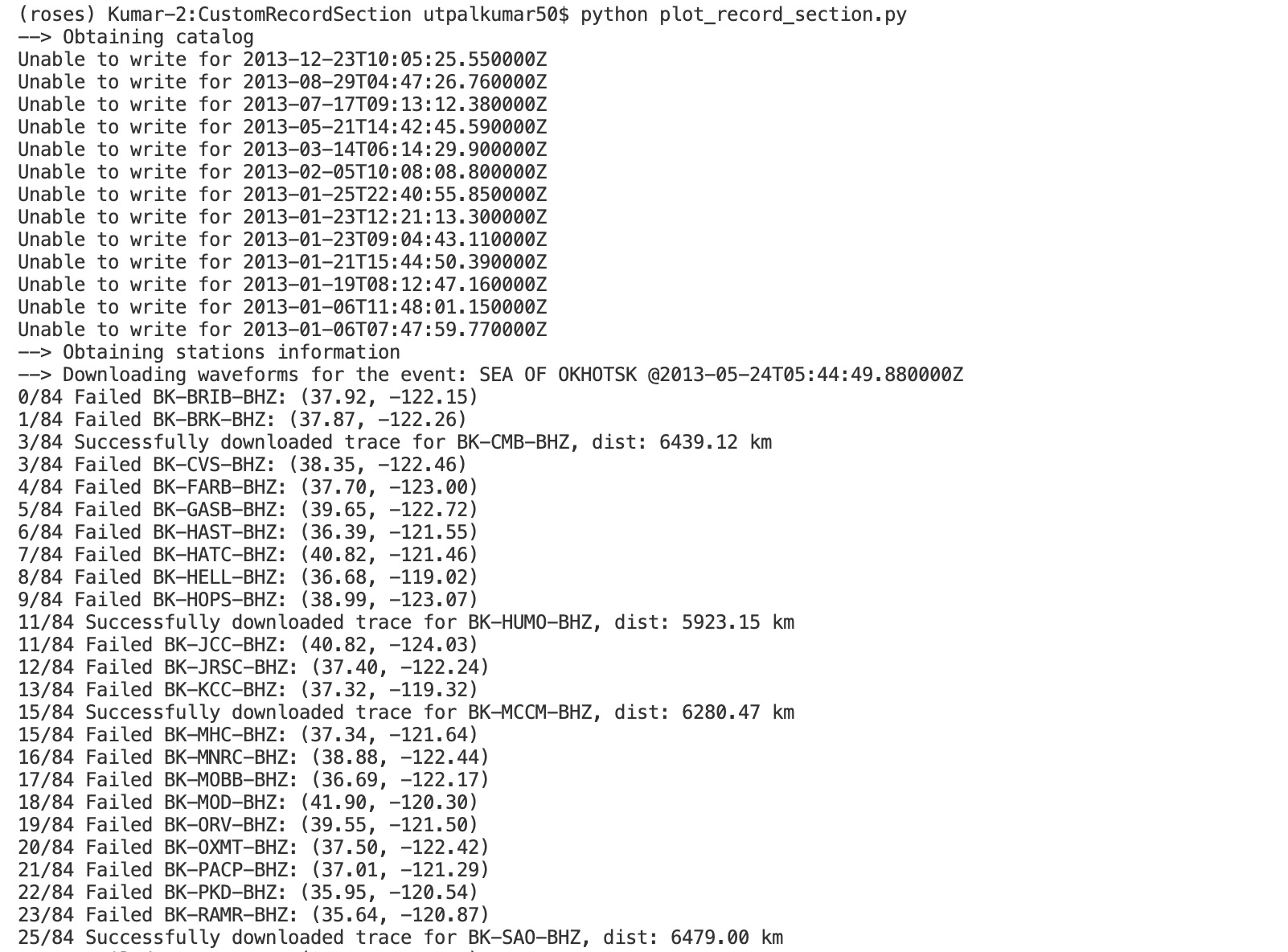
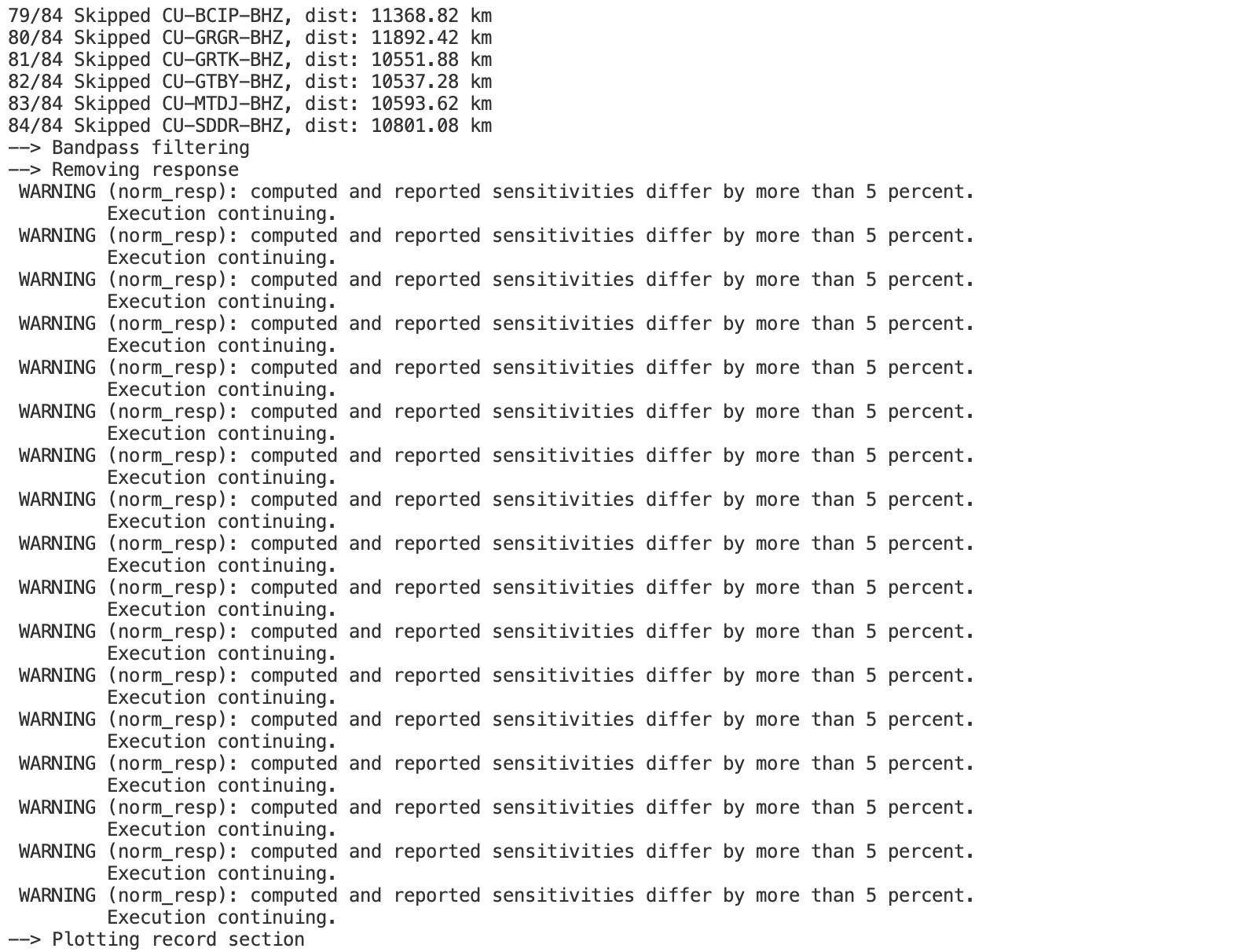
Execute script
python plot_record_section.py
Download the complete script here.
References
Prescott, H. R. (1951). Seismic record sections. Geophysics, 16(4), 613–625. https://doi.org/10.1190/1.1437710
Quick check: What does this script decide for you that a manual record-section workflow leaves you to do by hand?
- It computes the Earth’s velocity model from scratch
- It picks the largest-magnitude earthquake in your chosen time range and region, then downloads its waveforms automatically
- It removes the instrument response and deconvolves the source
- It renders the plot in 3-D instead of 2-D
Recap
- A record section stacks seismograms by epicentral distance; this tool builds one automatically for the biggest event in a time/space window.
- You configure everything in one
input_file.yml(time range, region, network) — no editing of the plotting code needed. - Reproduce the environment from the repo’s
environment.yml/spec-file.txt, then runpython plot_record_section.py. - Under the hood it uses ObsPy + an FDSN client to query the catalog and fetch waveforms — the same building blocks as the manual tutorials.
Where to go next
- Plotting seismograms with increasing epicentral distance — the manual, step-by-step version with the P/S moveout explained.
- Getting started with ObsPy — Part I — downloading waveform data with an FDSN client.
- automated_seismic_record_section on GitHub — the full source, config, and environment files.
This post was last modified at 2026-10-23 17:48.
Found this article useful?
Loading likes…
Disclaimer of liability
The information provided by the Earth Inversion is made available for educational purposes only.
Whilst we endeavor to keep the information up-to-date and correct. Earth Inversion makes no representations or warranties of any kind, express or implied about the completeness, accuracy, reliability, suitability or availability with respect to the website or the information, products, services or related graphics content on the website for any purpose.
UNDER NO CIRCUMSTANCE SHALL WE HAVE ANY LIABILITY TO YOU FOR ANY LOSS OR DAMAGE OF ANY KIND INCURRED AS A RESULT OF THE USE OF THE SITE OR RELIANCE ON ANY INFORMATION PROVIDED ON THE SITE. ANY RELIANCE YOU PLACED ON SUCH MATERIAL IS THEREFORE STRICTLY AT YOUR OWN RISK.
Leave a comment